Stepper Motors and Arduino
Stepper motors are a bit of a pain to use IMO, they usually have 2 sets of polarized coils, and needs precise timings to turn properly, so hooking up a stepper to an arduino directly like servo, or hooking it up to directly to power like DC motors are impossible. This is why a stepper driver is needed. it takes the lower power signals from a controller, an arduino in this case, and converts it to precise pulses of electricity to control the stepper motor.
DRV8825 or A4988 are cheap options for a stepper driver, they're often found in 3D printers, but will reqire a breadboard or PCB to mount to. While industrial grade drivers like TB6600 or DM442, often found in Laser Cutters and large CNC machines, are enclosed with screw mounts and screw terminal connectors, so they're much easier to use IMO (but quite a bit more expensive).
For video tutorials, I've found the two videos linked in the reference section to be extremely useful.
List of components
The following are what I used, but there's so many different combinations and method of powering the various components, chose what works best for you, this is just a reference.
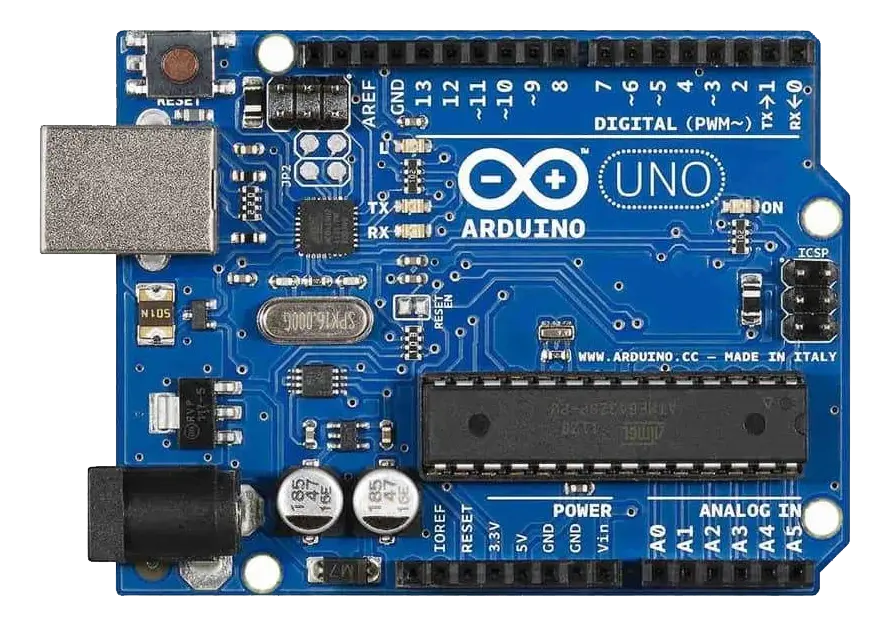 Arduino Uno
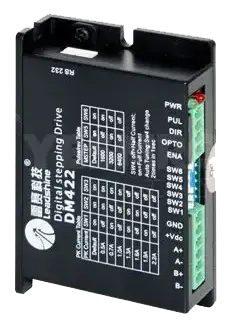 DM422 Stepper Driver
- Chosen because I had some extras lying around, disassembled from an old laser cutter
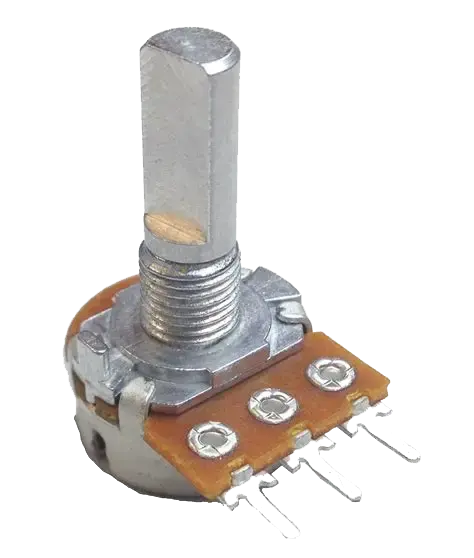 Potentiometer
- To control the stepper speed
 24V Power supply
- 12V could also work depending on your driver, my driver doesn't would with 12v
 Barrel jack connector
- To power the Arduino, you could also opt to power it over USB
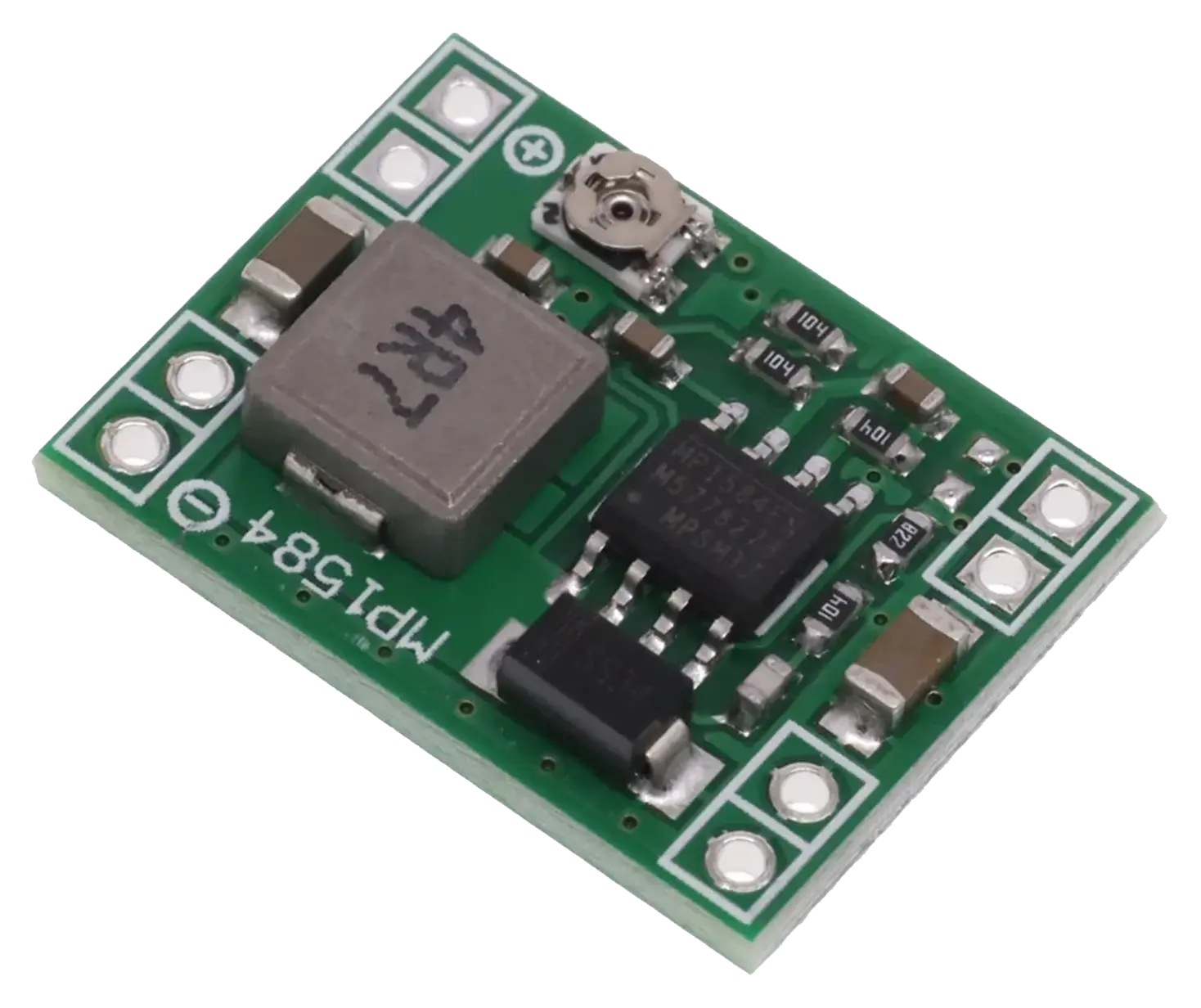 Step down converter (MP1584EN) *
- This is used to step down the 24v to 5v for the Arduino, if you chose a PSU like RD-65 which output 12/24v and 5v, then a buck converter isn't needed.
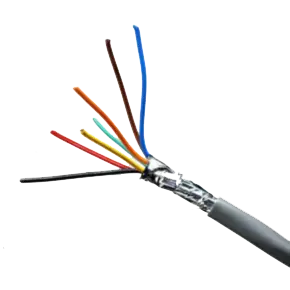 4+ core wire **
- To connect between stepper driver and stepper motor
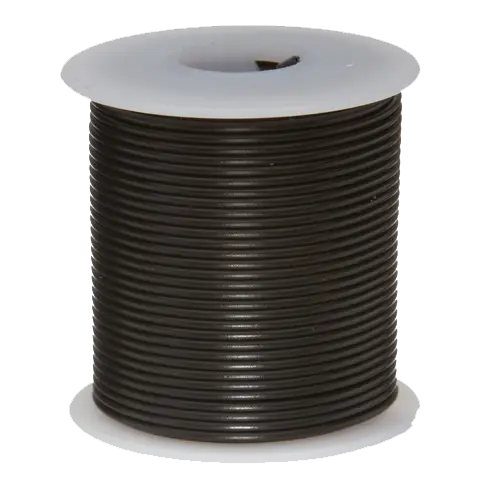 Misc bit of wires **
- To connect the PSU to stepper driver, and PSU to buck converter
 Male to Male dupoint cables x 6
- To connect arduino to driver
 Male to female dupoint cables x 3
- To connect arduino to potentiometer
* the more common 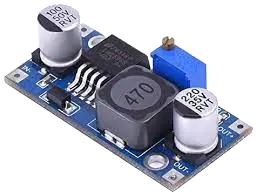 LM2596 would also work, I just wanted to play with a different module.
** For short runs, you can use a RJ45 24AWG Ethernet cable and double up on each connection, but it's probably a safer/smarter idea to use a proper thicker gauge multicore wire, since depending on the motor specs, it may pull up to 2 Amps at peak power draw.
LM2596 would also work, I just wanted to play with a different module.
** For short runs, you can use a RJ45 24AWG Ethernet cable and double up on each connection, but it's probably a safer/smarter idea to use a proper thicker gauge multicore wire, since depending on the motor specs, it may pull up to 2 Amps at peak power draw.
Reference
Quick tutorial (Industrial module): https://www.youtube.com/watch?v=FggSRQqB_a4
Detailed tutorial (board module): https://www.youtube.com/watch?v=7spK_BkMJys